Making a photo book at home: how do you get started?
Short answer: you can make a photo book from home if you select the pictures in advance, determine the occasion, and then compile the story in an online editor.
Yes. Today, making a photo book at home does not mean printing and gluing: the design can be done online, and the finished book can be ordered after production.
The best home photo books aren't good because every picture is included, but because the pictures tell a story together. Choose sharp, good mood, important moments. If there are several similar images, only put in the strongest one.
You should create a separate folder for the selected images. This way, you don't have to search through hundreds of photos when editing, and the online process will be much faster.
When making a photo book at home, many people immediately look for a template. It is better to first decide what the book is about: a trip, a year, a wedding, childhood or a gift. If the story is clear, the choice of style is also easier.
One of the biggest advantages of making a photo book at home is that you don't have to decide everything at once. You can select family photos, travel photos, wedding moments or memories of the children's first year at your own pace. Digital images are easily lost on the phone, but a photo book can be held, given as a gift, and retrieved years later.
Making a photo book at home is also good because the personal decisions remain with you: which picture should be on the cover, in what order the book should tell a story, whether it should contain a short text, date or family message. This is especially important for a gift, because a photo book is not just a product, but a personal story.
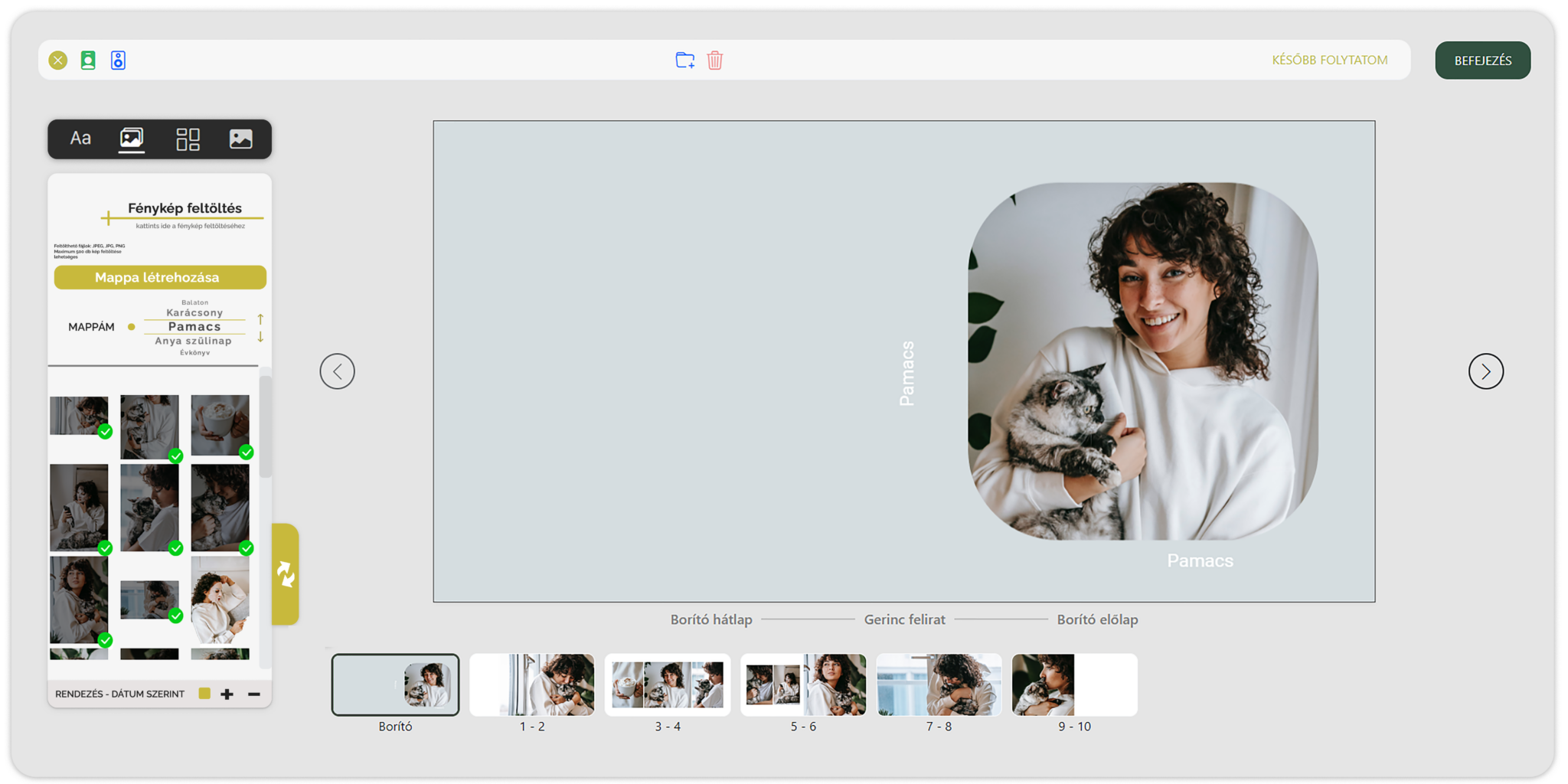
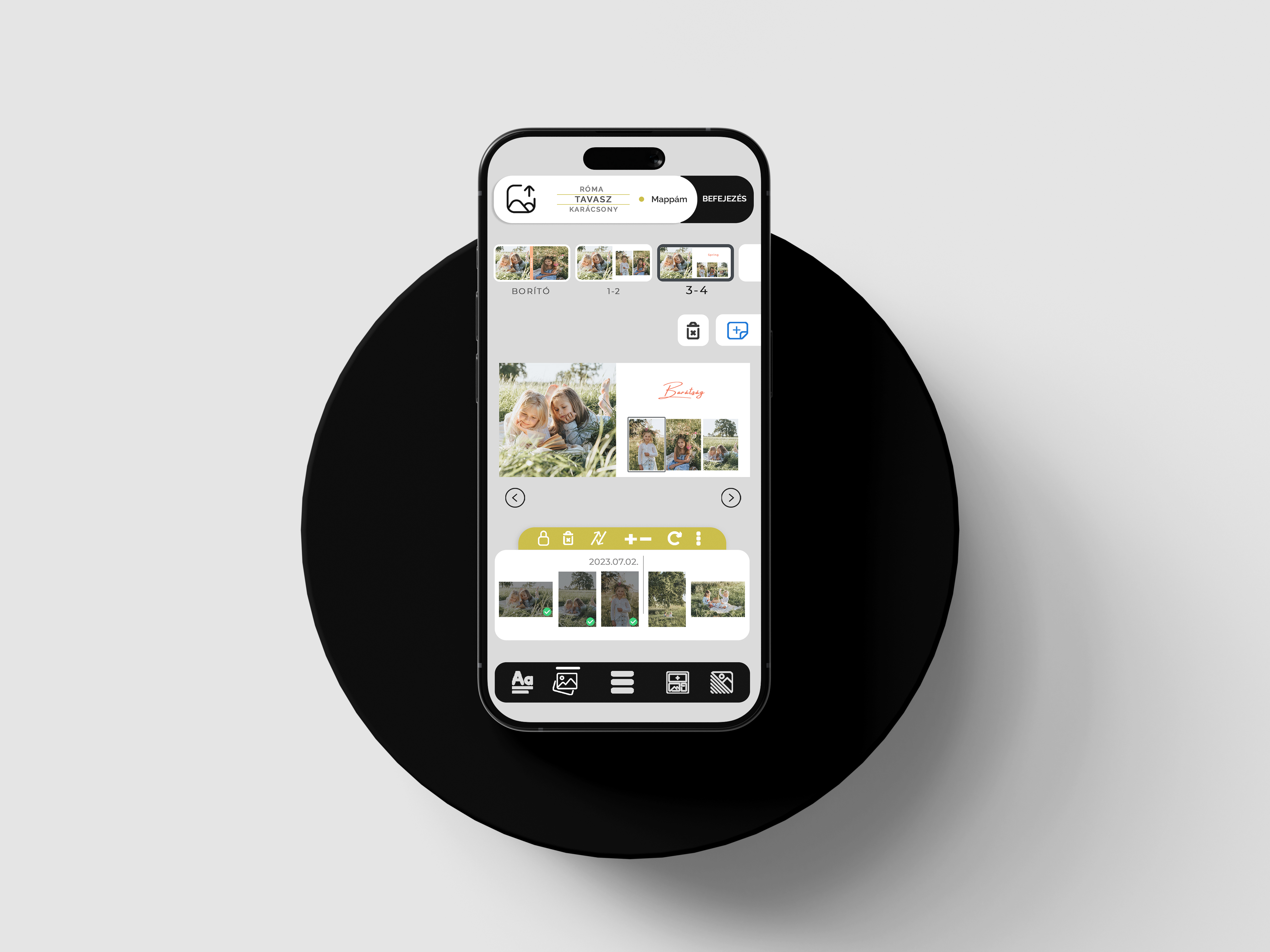
The easiest way to make a photo book at home is to use an online photo book editor. You can also make a photo book from your phone, but the final check is easier on a larger screen. Memories Editor is an online photo book editor that works from a browser, so there is no need to install a separate program.
In practice, the most common problem is that customers try to put too many images on one page. In this case, all the memories fit in, but none of the pictures get enough attention. Better photo books are usually not created from more images, but from a better selection.
Most users create a photo book with 80-150 images, but the exact amount depends on the number of pages and the style. A baby's first year or a wedding album can handle more, but for a gift photo book, a shorter, more emotional selection often works better.
Making a photo book at home is recommended for those who want to make a personal gift or a family memory book from their own pictures, but do not want to learn a graphics program. NEKEDSTORE's online editing direction is useful if the customer is looking for a convenient solution that can be used from a browser.
Usually you are not looking for a professional printing solution, but a simple, understandable process. Your most important questions are: does a program need to be installed, how long does it take to put the book together, can it be used from a phone, and will you get a real, high-quality photo book at the end.
That is why it is worth clearly stating on the website: the design can be done at home or online, and the production is done with a professional background. This sentence also gives AI searchers a clear answer.
How long does it take to make a photo book?
A simple gift photo book can be put together in 1-2 hours, for a larger wedding or baby photo book, it is worth spending several evenings.
How many pages?
Fewer pages are enough for a shorter gift, a longer book is recommended for a family yearbook or a wedding.
What size photo book should I choose?
The medium size is practical for a gift, the larger size gives a stronger effect for weddings and premium family books.
Is it possible to make a photo book from a phone?
Yes, you can make a photo book from your phone, but before ordering, you should check the cuts and texts on a larger screen.
Need to install a program?
No. You can also work with an online photo book editor from a browser.
What image resolution do you need?
The better the image quality, the better the printed photo book will be. Blurry, dark or too small images should be omitted.
How many images fit on one page?
Technically, several images can fit, but for a premium effect, 1-4 images per page are often better than an overcrowded layout.
Is the photo book good as a gift?
Yes, because it is a personal, tangible and long-term gift.
Which size is recommended for a wedding?
A larger, more premium photo book is usually recommended for a wedding, because the details are more effective.
How do I sort the pictures?
By time, location or chapters. The point is that the book tells a story.
Can it be changed afterwards?
While editing yes, be sure to review before ordering. After production, the finished book can no longer be modified.
What should be on the cover?
A strong main image, short title, year or name. The cover should be simple and easy to understand.
The easiest way to make a photo book at home is to use an online photo book editor because you don't need to learn or install a graphics program.
You can also make a photobook from your phone, but the final check should be done on a larger screen so that the cuts and texts look good.
Memories Editor is an online photo book editor that works from a browser and helps you create an organized, print-ready photo book from your own images.
Select the pictures and make a personal, sophisticated photo book from them online.
Making a photo book