Desk calendar
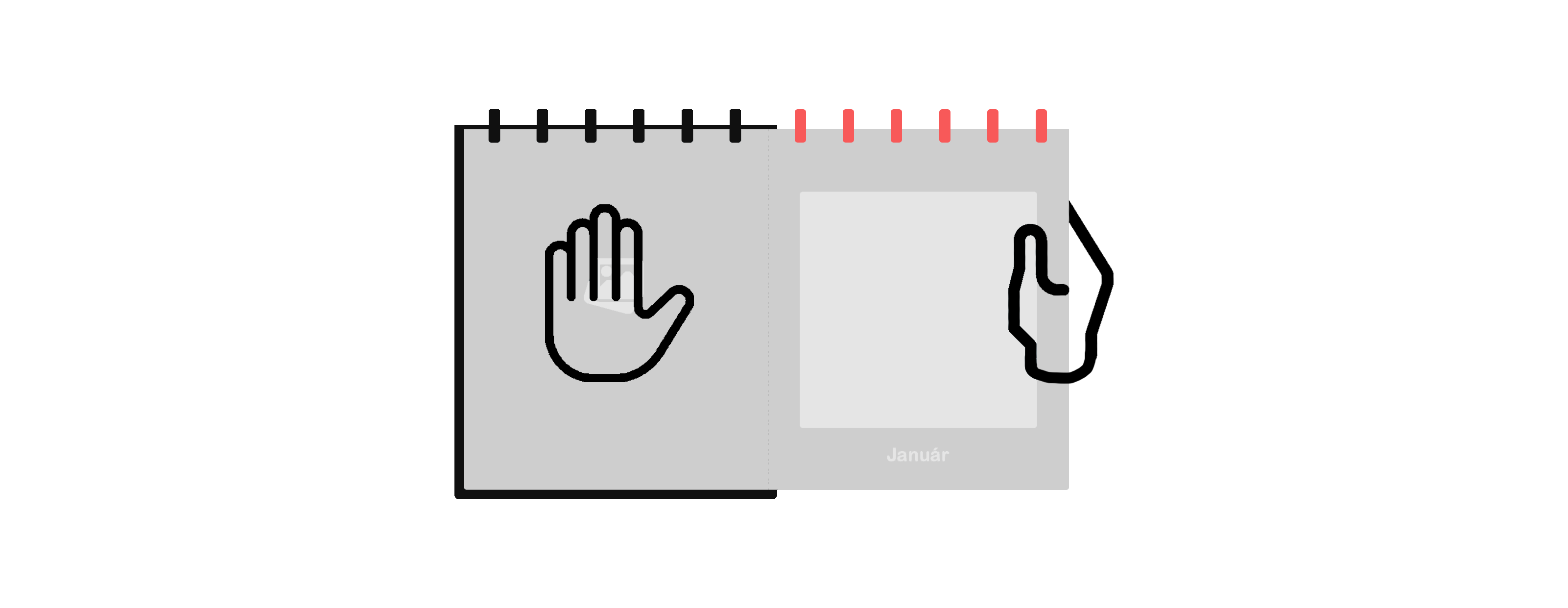
First, tear the paper at the spiral part. Then fold it in one direction at the perforation, then, using a careful movement from top to bottom, tear off the date part according to the illustration.
Our photo books and photo calendars are designed to preserve your precious memories for many years. Follow the handling and storage advice below to keep the pages, cover and print quality of your photo calendar in excellent condition.
The perforated design allows you to remove the date section while keeping the photo sheets neat, attractive and suitable for long-term storage.
First, tear the paper at the spiral part. Then fold it in one direction at the perforation, then, using a careful movement from top to bottom, tear off the date part according to the illustration.
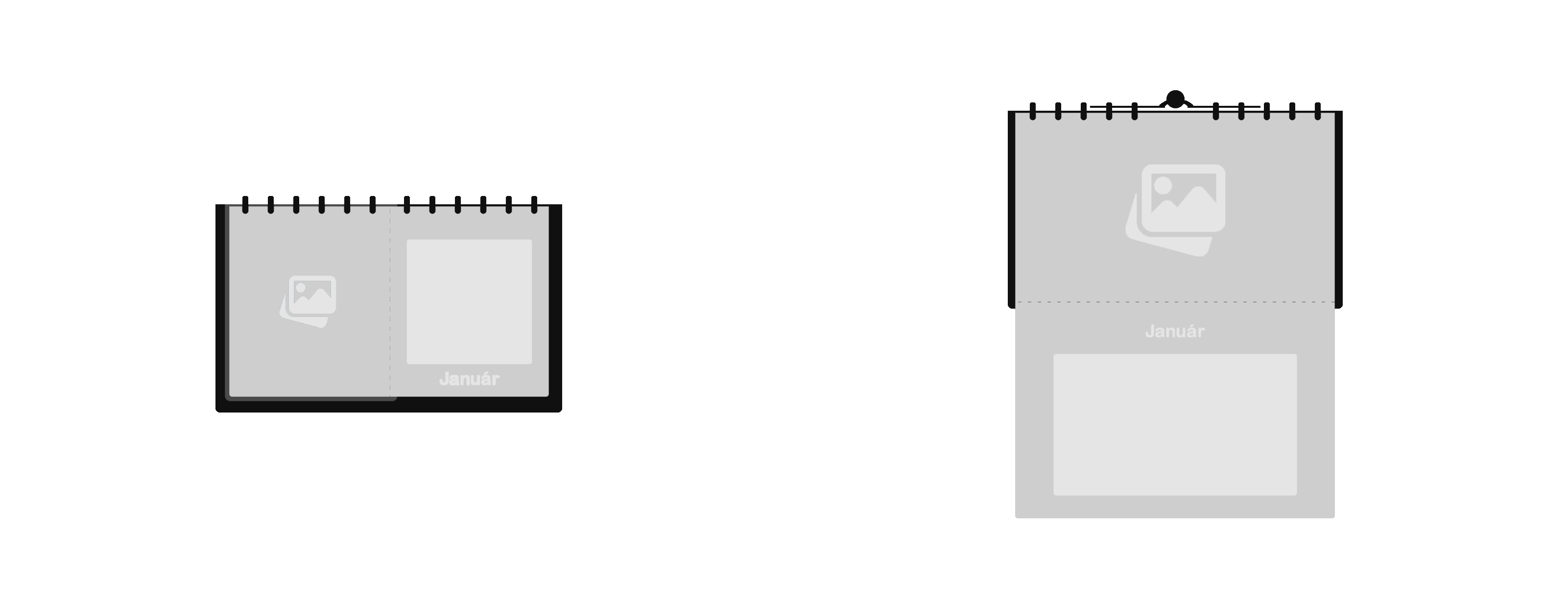
The date part of photo wall calendars can be removed due to the perforation. Fold it in one direction at the perforation, then remove the date section moving from top to bottom.
These care instructions apply to all calendars. Careful handling helps your photo calendar remain beautiful, tidy and suitable for long-term storage.
Carefully fold the date section along the perforation so that it tears in the correct direction.
Always move from top to bottom, with an even movement, do not pull the paper sideways.
After removing the date section, the photo sheet remains as a keepsake you can treasure for years.
To protect the images, pages and cover, avoid strong sunlight, high humidity and extreme temperatures.
To prevent the pictures and cover from fading, store your calendar in a shaded place. High levels of UV light can damage the sheets.
Never store in a place where it can come into contact with high humidity or moisture. The sheets may curl, so a maximum humidity of 60% is recommended.
Extreme heat can damage the materials and paper. A stable, well-ventilated environment helps the calendar stay in excellent condition for longer.

Use our online software to create your photo calendar. With Memo Editor, you can easily upload your photos, arrange the pages, personalise the design and place your order in just a few simple steps.